14B011-00
MENMON (Firmware) for B11 (object code)
14B011-00
MENMON (Firmware) for B11 (object code)
zip
File Name: 14b011-00_03_04.zip
|
Released: 07. 五月, 2026
ZIP
|
168 KB
SHA1 Checksum: ad54fc1645cf7f059e63311e76dbe157bf4eb422
Licensing Information
Costs
This article is free of charge.
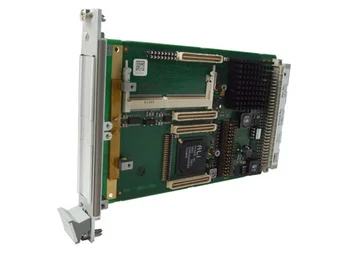
Supported Products
WARNING:
Please be aware that you do MENMON updates at your own risk. After an incorrect update your CPU board may not be able to boot.
WARNING:
After a MENMON update, the hardware revision displayed by MENMON will most probably be different from the actual hardware revision of your CPU board, because MENMON follows duagon's hardware revision updates.
Update Instructions
- Unzip the file "menmon_B011.zip" into a temporary directory.
- Connect a terminal emulation program with the COM1 port of your target board and set the terminal emulation program to 9600 baud, 8 data bits, 1 stop bit, no parity, no handshaking (if you haven't changed the target baudrate on your own).
- If your MENMON console is redirected to the AD45/P10 COM1 port, you can use this port for download as well.
- Power on your target board, and press "ESC" immediately.
- In your terminal emulation program, you should see the "MenMon>" prompt.
- Enter "SERDL MENMON". You should now see a "C" character appear every 3 seconds.
- In your terminal emulation program, start a "YModem" download of file "menmon_B011.smm" (for example, with Windows Hyperterm, select "Transfer|Send File" Protocol="YModem").
- When the download is completed, reset the target CPU board.
Main Software
14B011-00
MENMON (Firmware) for B11 (object code)
zip
File Name: 14b011-00_03_04.zip
|
Released: 07. 五月, 2026
ZIP
|
168 KB
SHA1 Checksum: ad54fc1645cf7f059e63311e76dbe157bf4eb422
